-
-100%
-
-100%
-
-100%
-
-100%
A Complete Guide for Architects and Architecture Students
AutoCAD Blocks play a vital role in architectural drafting and documentation. They help architects, students, and designers create accurate drawings efficiently while maintaining consistency across projects. From furniture layouts to construction details, blocks simplify repetitive drafting tasks and improve workflow productivity.
At Archi-Monarch.in, architectural AutoCAD Blocks are provided as digital downloadable DWG files for educational and reference use, helping beginner architects and students access high-quality drawing resources.
AutoCAD Blocks are predefined drawing elements that combine multiple objects into a single reusable unit. Instead of redrawing common components repeatedly, architects insert blocks into drawings whenever required.
Key Characteristics of AutoCAD Blocks
Blocks are commonly used for doors, windows, furniture, sanitary fittings, electrical symbols, and architectural details.
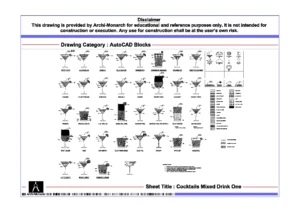
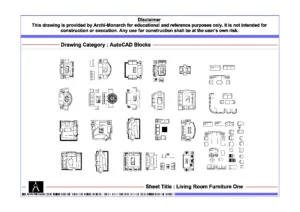
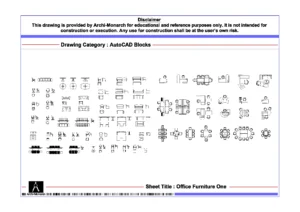
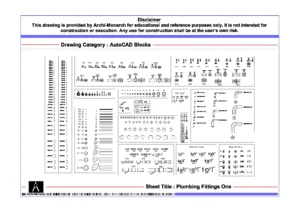
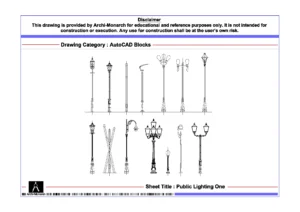
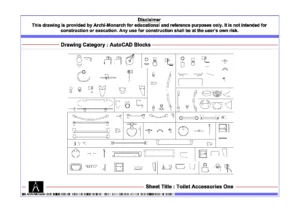
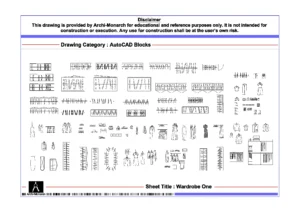
AutoCAD Blocks significantly improve drafting accuracy and efficiency in architectural projects.
Why Architects Rely on AutoCAD Blocks
Using well-structured blocks ensures professional-quality drawings that align with industry standards.
Architectural drafting uses different types of AutoCAD Blocks depending on project requirements.
1. Standard AutoCAD Blocks
These are commonly used blocks such as doors, windows, furniture, and fixtures that appear frequently in architectural drawings.
2. Dynamic AutoCAD Blocks
Dynamic blocks allow users to modify dimensions, orientations, or configurations without creating multiple block files. They are ideal for doors, windows, and furniture layouts.
3. External Blocks (DWG Files)
External blocks are stored as separate DWG files and inserted into drawings. Platforms like Archi-Monarch.in provide ready-to-use external blocks for educational reference.
4. Title Block and Annotation Blocks
These blocks include drawing titles, scales, north symbols, and legends that standardize architectural sheets.
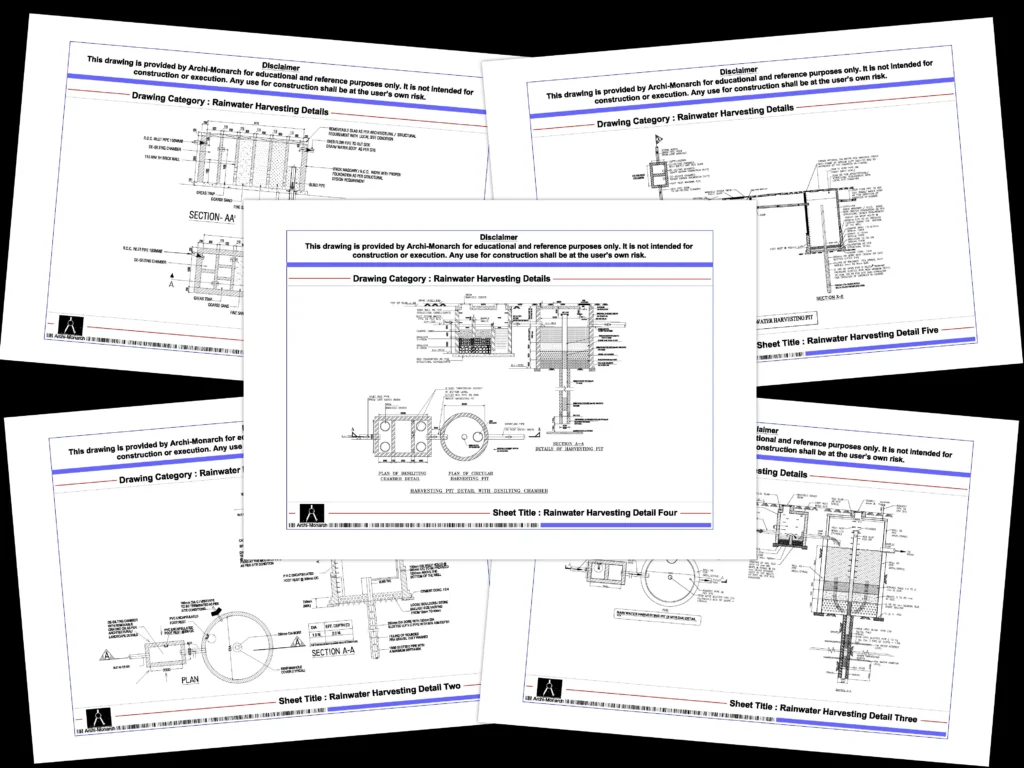
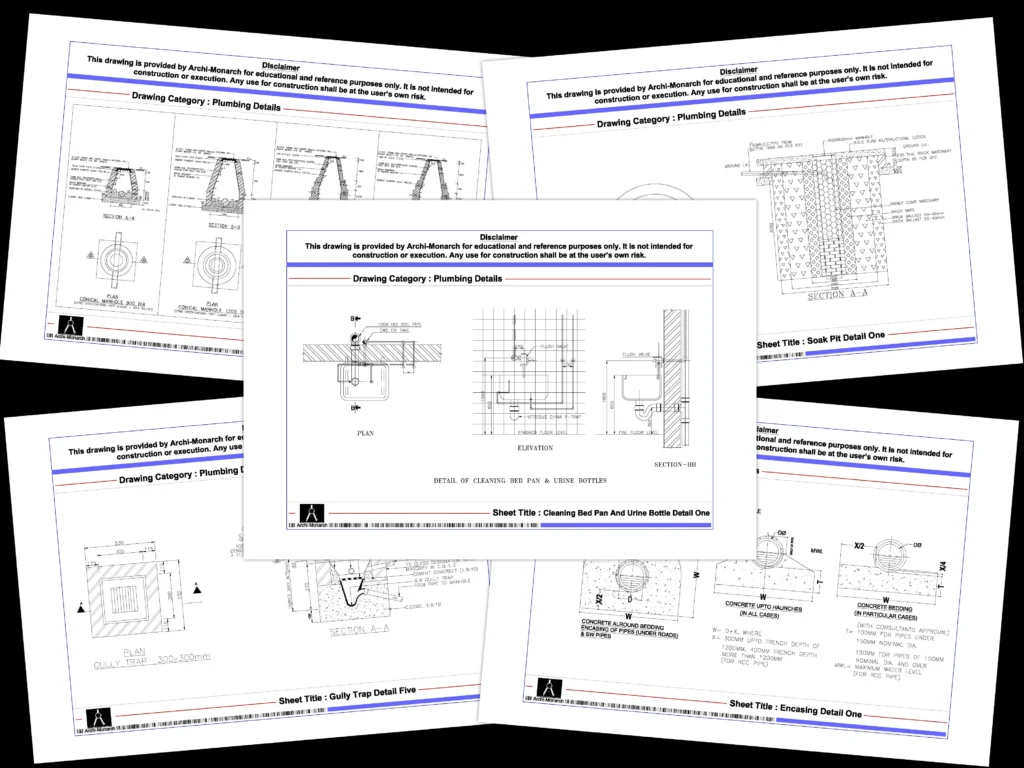
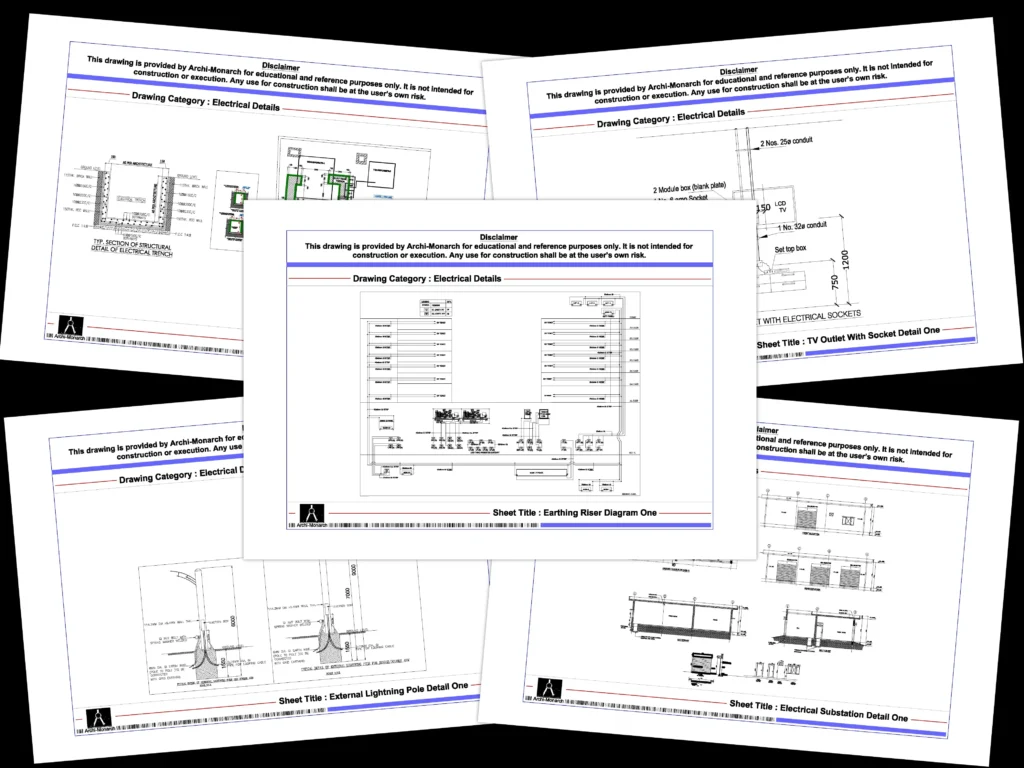
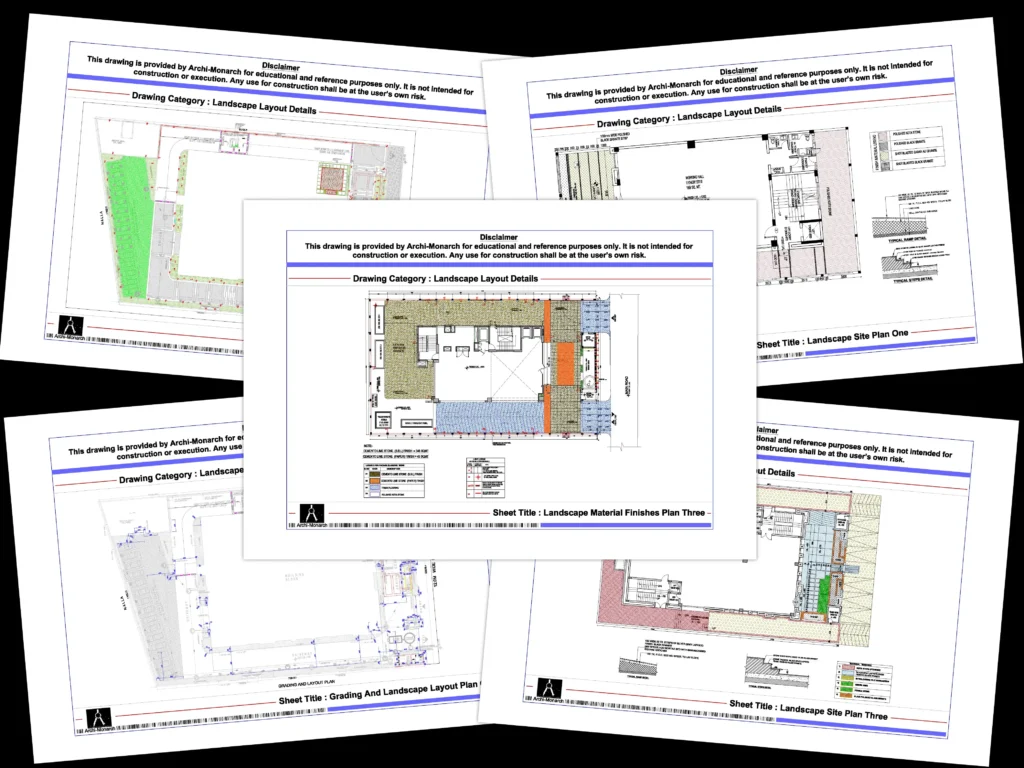
AutoCAD Blocks cover almost every architectural element.
Frequently Used Block Categories
Many of these categories are available as downloadable DWG files on Archi-Monarch.in for learning and practice.
Using curated AutoCAD Blocks from a dedicated architectural platform provides additional advantages.
Key Benefits
These resources help users focus more on design thinking rather than repetitive drafting.
Following best practices ensures blocks work efficiently in every project.
Recommended Best Practices
Well-managed blocks improve drawing clarity and performance.
Architects often need custom blocks tailored to project requirements.
Steps to Create a Block
Creating project-specific blocks ensures accuracy and customization.
AutoCAD Blocks support multiple stages of architectural design.
Practical Use Cases
Students and professionals alike benefit from structured block libraries.
Educational platforms like Archi-Monarch.in focus on learning-oriented architectural resources.
Why Educational Blocks Matter
These blocks are ideal for academic practice, portfolio preparation, and conceptual understanding.
AutoCAD Blocks are an essential tool in architectural drafting. They improve productivity, maintain consistency, and enhance drawing quality. By using professionally prepared blocks, architects and students can streamline their workflow and focus on creative design solutions.
Archi-Monarch.in serves as a reliable platform for accessing architectural AutoCAD Blocks and DWG files designed for educational and reference use, making it a valuable resource for the architectural community.
Readers interested in AutoCAD Blocks may also explore:
Related Architectural Categories
These related resources help users develop a comprehensive understanding of sustainable site planning, building services coordination, and professional architectural drafting.
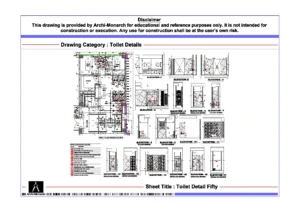

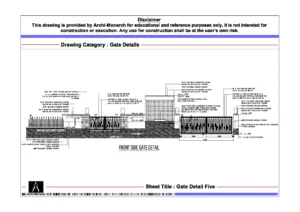
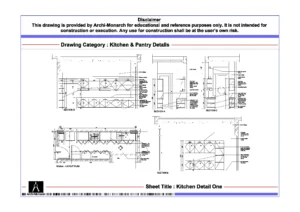
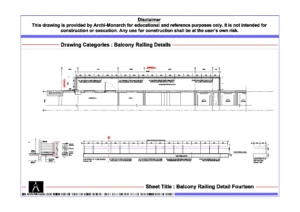
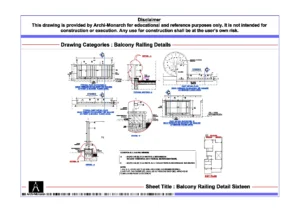
Archi-Monarch is an educational architectural knowledge-sharing platform. All content is provided for learning and reference purposes only.
Copyright © 2026 Archi-Monarch. All Rights Reserved.
No drawings in the cart.